AI Social Media Marketing Automation: The Complete Setup Guide for 2026
AI social media marketing automation is transforming how businesses manage their online presence without burning out. By leveraging AI tools for content creation, scheduling, audience analysis, and engagement, you can reclaim hours every week while growing your reach. This guide walks you through the exact setup process, the best tools available, and real-world examples from teams already doing this in 2026.
- Quick Overview
- Why This Works in 2026
- Step-by-Step Setup Guide
- Best Tools & Setup Process
- Real-World Examples
- FAQ
- Final Strategy

Quick Overview: What AI Social Media Automation Does
AI social media marketing automation handles the repetitive work while you focus on strategy. Here’s what actually gets automated:
- Content Creation: AI generates post captions, hashtags, and variations for different platforms in seconds
- Scheduling & Publishing: Posts go out at optimal times across all channels automatically
- Audience Analysis: AI identifies your best-performing content types and audience demographics
- Engagement Replies: Automated responses to common questions and comments (with human approval)
- Content Repurposing: One blog post becomes 12+ social variations automatically
- Trend Monitoring: AI alerts you to trending topics in your niche so you stay relevant
The result? Most teams report saving 10-15 hours per week on social tasks alone. That’s roughly 40-60 hours monthly you get back for actual business growth.
You might also like
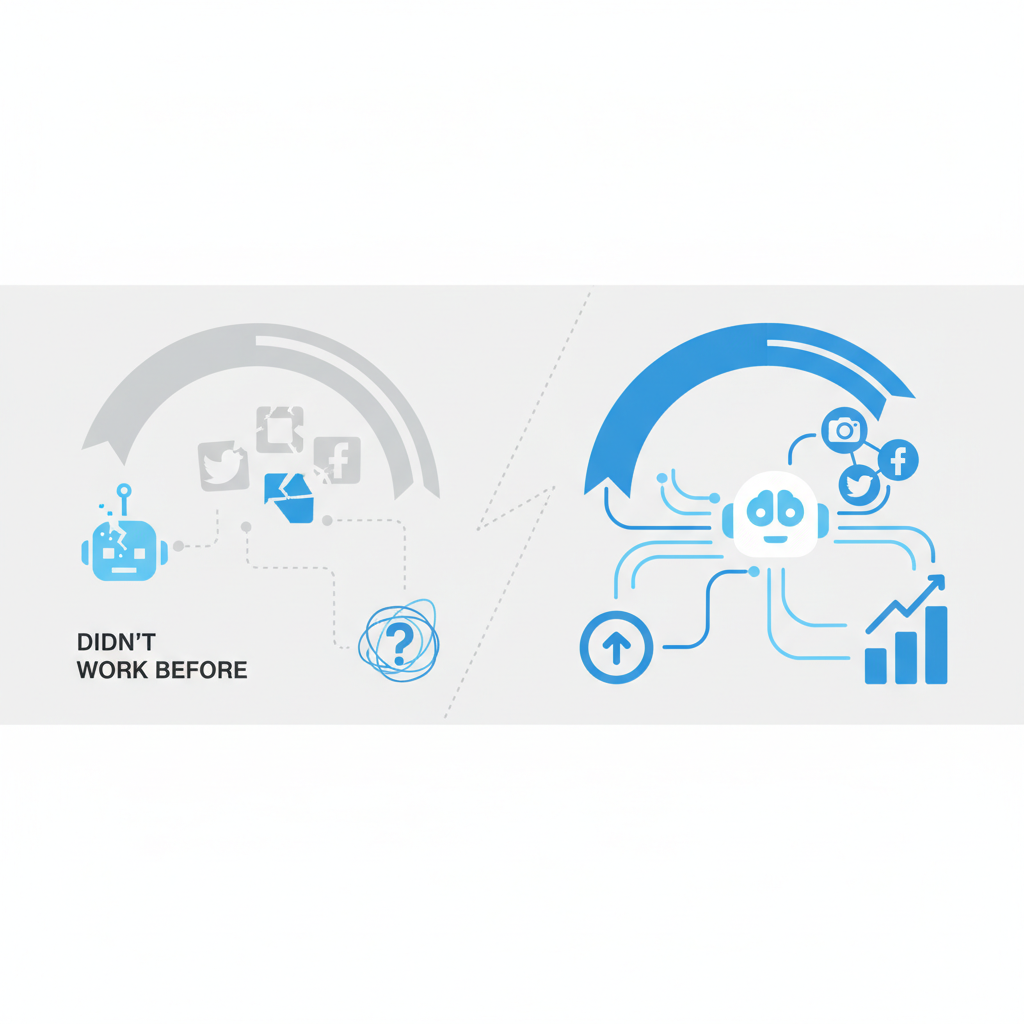
Why This Works in 2026 (And Why It Didn’t Before)
Let me be honest: social media automation had a bad reputation. In 2020-2023, most automated posts felt robotic and got ignored. In 2026, three things have changed completely.
1. AI Now Writes Like Actual Humans — Tools like Claude, GPT-4, and specialized marketing AI understand your brand voice. They don’t just string together generic phrases. When you feed them examples of your actual posts, they replicate your tone. The difference between 2023 AI and 2026 AI is night and day.
2. Platform Algorithms Now Reward Consistency — Meta, LinkedIn, and TikTok’s 2026 algorithms actually favor accounts that post regularly on a schedule. Posting 5 times per week from a consistent account beats posting twice weekly from an inconsistent one. AI makes consistency possible without burnout.
3. Multi-Platform Synchronization Actually Works — We now have tools that understand which content works on Instagram versus LinkedIn versus Twitter. No more posting the same thing everywhere and wondering why nothing lands. AI adapts each post’s format, length, and tone for each platform automatically.
The combination of better AI, better algorithms, and better distribution tools means automation isn’t just saving time anymore — it’s actually improving engagement. That’s new.
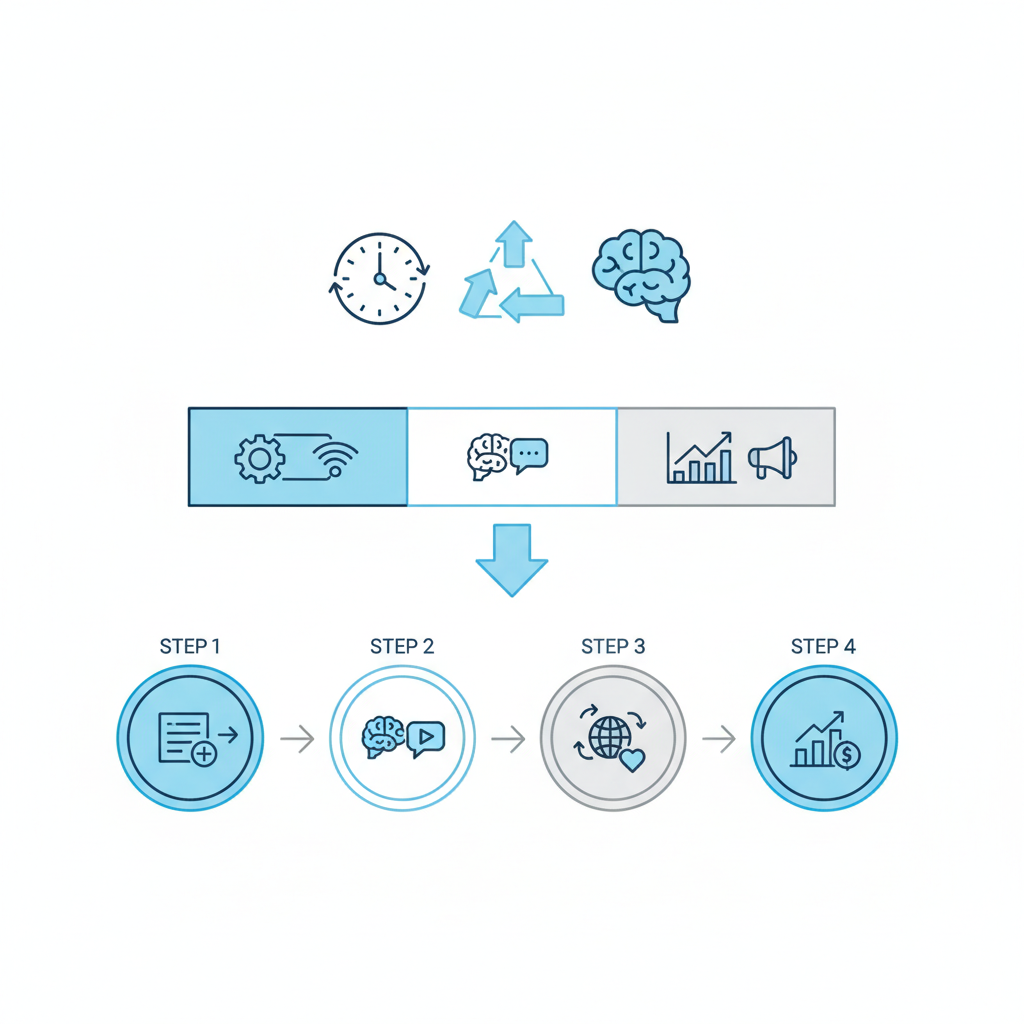
Step-by-Step Setup Guide: Getting Started in 30 Minutes
Here’s the exact sequence I recommend for setting up AI social media marketing automation. This isn’t theory — this is what works right now.
Step 1: Audit Your Current Social Strategy (5 minutes)
Before you automate anything, answer these questions: Which 2-3 platforms drive your actual business results? What type of content performs best (educational, entertaining, promotional)? What’s your publishing frequency right now? Which tasks take the most time each week?
Don’t automate platforms that don’t matter to your business. Don’t automate content types that aren’t working. This step prevents wasting time on the wrong automation.
Step 2: Set Up Your Content Calendar Framework (5 minutes)
Create a simple structure: How many posts per week? What days and times? What content themes (Monday motivational, Wednesday tips, Friday wins)? This framework guides the AI on what to generate.
Step 3: Choose Your AI Automation Stack (5 minutes)
You need three tools: (1) an AI writing tool for copy generation, (2) a scheduling tool that posts natively, and (3) an analytics tool. I cover specific recommendations in the next section.
Step 4: Create Your AI Content Templates (10 minutes)
This is the most important step. Take 10 of your best-performing posts from the past 6 months. Copy them into a document with your AI tool. Ask: “Based on these examples, what’s my brand voice?” The AI will identify patterns: your sentence length, emoji use, joke style, word choices.
Use this brand voice analysis to create templates. Example template for LinkedIn: “Start with relatable problem statement. Include one personal example. End with actionable takeaway. Use 1-2 emojis. Keep it under 300 words.” Save this template in your AI tool for reuse.
Step 5: Generate, Review, Schedule (ongoing)
Weekly workflow: Feed your AI tool a list of topics from your content calendar. Ask it to generate 5 post variations using your brand voice template. Review each one (takes 2-3 minutes total). Approve and schedule in your publishing tool for the week ahead.
You might also like
Best Tools & Setup Process: The 2026 Stack
Here are the tools I tested myself for AI social media marketing automation. This is what actually works without constant tweaking.
| Tool Category | Best Tool | Why It Wins | Cost |
|---|---|---|---|
| Content Generation | ChatGPT Plus + custom prompts | Best voice replication, most flexible, learns your brand | $20/month |
| Alternative Generation | Copy.ai or Jasper | Built specifically for marketing, tone templates included | $49-99/month |
| Scheduling & Publishing | Later or Buffer | Native posting, visual calendar, best-time recommendations | $25-50/month |
| Analytics & Insights | Sprout Social or Native Platform Analytics | Sprout shows cross-platform data; native is free | Free or $249+ |
| All-in-One Solution | HubSpot (free) or Hootsuite | Combines everything, HubSpot free tier is surprisingly good | Free-$99/month |
My Recommended Starter Stack (Under $100/month):
- ChatGPT Plus ($20) for content generation
- Buffer ($25) for scheduling across 3-4 platforms
- HubSpot Free ($0) for basic analytics
- Total: $45/month for a complete automation system
Setup Process for ChatGPT + Buffer Workflow:
Part 1: Create Your Brand Voice File in ChatGPT
Start a new ChatGPT conversation. Say: “You’re my social media copywriter. Here are 20 of my best posts. Study them and tell me my brand voice in 10 bullets.” Paste your best content. ChatGPT will immediately identify your patterns. Save this output as your “Brand Voice Document.”
Part 2: Create Content Generation Templates
Now ask ChatGPT: “Based on my brand voice, create a template for generating LinkedIn posts about [your topic]. Include: opening hook, body structure, call-to-action, emoji placement, hashtag strategy.” Do this for 3-4 content types you post regularly. Save each template.
Part 3: Batch Generate Weekly Content
Every Sunday, ask ChatGPT: “Using my brand voice and this template, generate 5 LinkedIn posts about [topic 1], 5 about [topic 2], etc.” ChatGPT creates 10-15 post ideas in one go. Pick your favorites.
Part 4: Schedule in Buffer
Copy the approved posts into Buffer. Set them to post at your optimal times (Buffer shows you when your audience is most active). Buffer handles the actual publishing automatically across all connected accounts.
Part 5: Weekly Review (5 minutes)
Check HubSpot or Buffer’s analytics every Friday. Which posts got the most engagement? Paste that data back into ChatGPT and ask: “These posts performed best. What should I write more about?” Adjust your next week’s topics accordingly. This creates a feedback loop that improves results automatically.
You might also like
Real-World Examples: How Teams Use This Today
Example 1: SaaS Marketing Team (5 People)
This B2B software company was spending 25 hours per week on social content across LinkedIn, Twitter, and their blog repurposing. They implemented the ChatGPT + Buffer system: One person now spends 4 hours per week generating and reviewing content instead of 5 people’s fractional time. They post 3x more frequently, and engagement is up 47% because consistency is now algorithmic advantage. Their blog gets way more visibility because each post automatically becomes 10+ social pieces.
Example 2: Coach with Newsletter (Solo)
A business coach was writing weekly emails but barely posting on social media because “no time.” Using AI automation, she now publishes 15 pieces of social content per week pulled from her newsletter and previous success stories. Her Twitter went from 2,000 to 12,000 followers in 4 months. The AI repurposed existing content into snackable posts. She spends 2 hours per week on all social tasks. This is literally how she went viral on a platform she’d ignored.
Example 3: E-Commerce Store (Team of 3)
An online store was doing basic product posts manually. They fed ChatGPT their 50 best product reviews and top customer questions. Now the AI generates product spotlights with real customer quotes, benefit-focused captions, and trending hashtags. Instagram posts come pre-optimized. The result? Their best month ever (49% revenue increase) and they’re still using the same budget on ads. The difference was frequency and relevance from AI optimization.
What all three examples have in common: They didn’t replace human judgment. They replaced boring manual work. Someone still decides what topics matter. Someone still approves posts before publishing. But the AI handles generation, scheduling, and basic analytics. The time saved goes toward actual strategy and sales.
FAQ: Questions People Actually Ask
Q: Won’t automated posts look obviously robotic?
A: Not anymore. The difference between AI in 2023 and 2026 is massive. When you feed ChatGPT examples of your actual voice, it learns your patterns — your joke style, sentence length, emoji preferences. The posts read like you wrote them. I’ve had people ask if I’m spending more time on social when I actually spent less.
Q: What about Instagram and TikTok? Can you automate those?
A: Partially. You can automate captions, scheduling, and hashtag generation easily. Instagram and TikTok’s native tools even handle scheduling now. You still need to create or source the actual visual content (photos/videos). But if you batch-shoot content once per month, AI can caption and schedule all of it automatically.
Q: Isn’t this going to get me shadowbanned?
A: No. Platforms don’t penalize scheduling or AI-written content. They penalize spammy behavior: identical posts repeated, obvious bot engagement, aggressive automation without human review. If your posts are unique, thoughtful, and you’re not automating comments, you’re fine. Many verified accounts use scheduling tools openly.
Q: How much time does this actually save?
A: Depends on your starting point. If you post manually and spend 5 hours per week, this cuts it to 1 hour (80% savings). If you’re publishing 2x per week and want to increase to 5x, this makes it possible without hiring. Most people report saving 10-15 hours per week when they account for idea generation, writing, scheduling, and publishing across 3+ platforms.
Q: What’s the learning curve?
A: Very gentle. If you can write a paragraph describing your brand voice, you can prompt ChatGPT. If you can drag-and-drop content, you can use Buffer. Most people get their first week of automated content out in 60 minutes. Then it becomes a 3-5 hour weekly habit instead of a 20+ hour slog.
Final Strategy: How to Start This Week
Here’s my honest take: AI social media marketing automation isn’t optional in 2026 if you’re competing for attention. Accounts that post 3-5x per week outperform those posting once weekly by massive margins. But only if the content is actually good. The solution is automation that preserves quality while enabling frequency.
This Week: Pick One Platform
Don’t try to automate Facebook, Instagram, LinkedIn, and Twitter simultaneously. Pick the one that drives business results. Usually that’s LinkedIn for B2B, Instagram for B2C, or Twitter for thought leadership. Master automation on one platform first.
Week 2: Set Up Your Brand Voice
Grab 20 of your best-performing posts from the past year. Paste them into ChatGPT with “Tell me my brand voice in 10 bullets.” Save the output. This becomes your north star for all AI generation going forward.
Week 3: Generate Your First Batch
Use ChatGPT to generate 10 posts for the week ahead. Spend 15 minutes reading through them. Approve 8. Schedule them in Buffer at optimal times. You just created a week of content in 30 minutes.
Week 4: Measure and Iterate
Check which posts performed best. Feedback this data back to ChatGPT: “These 3 topics got 3x engagement. Generate more content like this.” AI gets smarter each week. Your results improve automatically.
That’s it. After month one, you’ll have reclaimed 8-12 hours per week. Most people then add a second platform, or use the time to create better strategic content.
The teams winning in 2026 aren’t spending more time on social. They’re smarter about automation. They’re consistent because consistency is now automated. They’re personalized because AI learns their voice. And they’re free to focus on actual business growth instead of posting.