How to Automate Your Business with AI: 7 Strategies for 2026
Automating your business with AI isn’t just about saving time—it’s about working smarter. In 2026, even small teams can deploy AI to handle customer service, content creation, data analysis, and more. This guide walks you through real automation strategies, the best AI tools, and exactly how to implement them. Whether you’re a solo founder or running a small team, you’ll find actionable steps to automate 80% of repetitive tasks and focus on growth instead.
- Quick Overview
- Why AI Automation Works in 2026
- Step-by-Step Automation Setup
- Tools & Setup Strategy
- Real Business Examples
- FAQ
- Final Strategy
Quick Overview
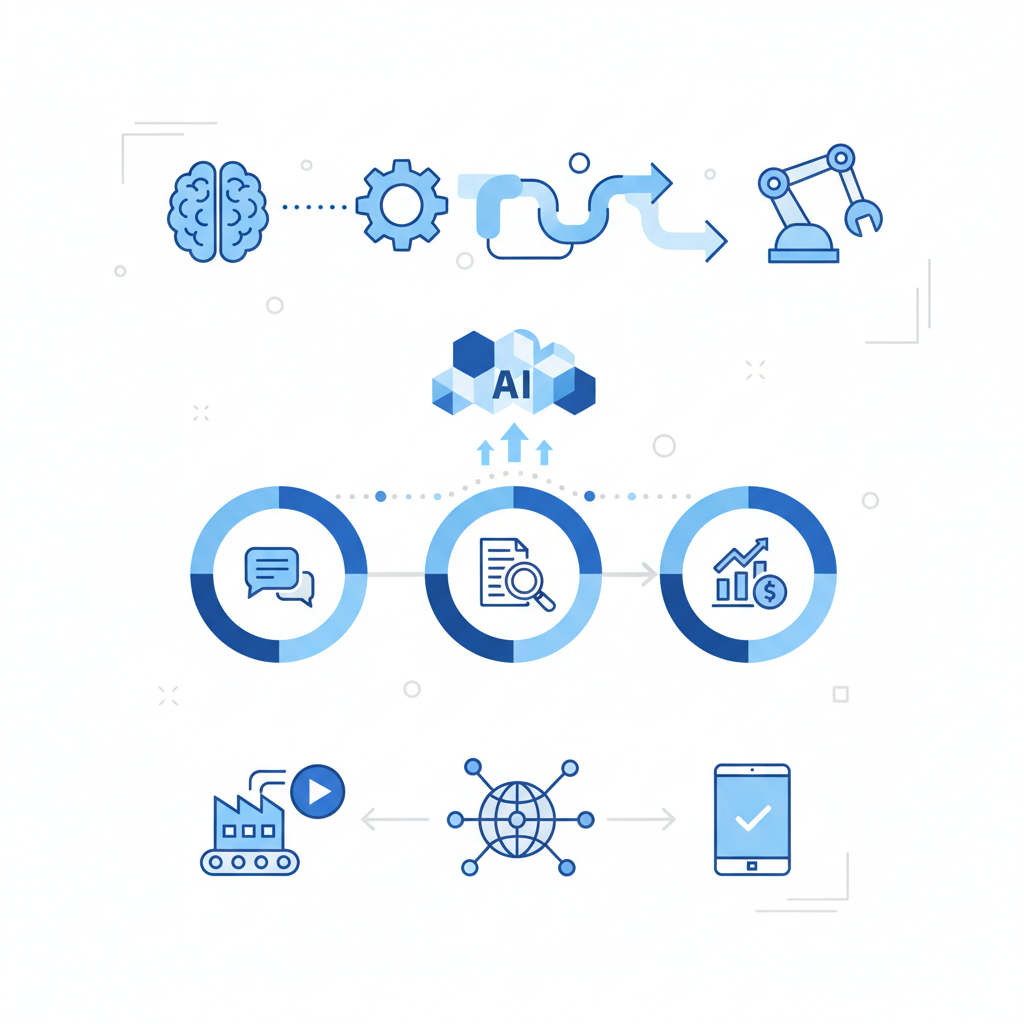
Business automation with AI means using intelligent tools to handle tasks that normally require human time: answering customer emails, scheduling posts, analyzing reports, generating invoices, and more. The goal isn’t to replace humans—it’s to eliminate the busywork so your team can focus on strategy, relationships, and growth.
Here’s what’s realistic in 2026: You can automate about 70-80% of routine tasks using a combination of AI writing tools, automation platforms, and chatbots. The remaining 20% usually needs human judgment or personalization. This saves 15-25 hours per week for most small businesses, which translates to real cost savings and faster scaling.
Let me break it down simply: Instead of spending 3 hours daily answering emails or creating social posts, AI does that in minutes. Your role shifts from execution to oversight and strategy. That’s the game-changer.
Why AI Automation Works in 2026
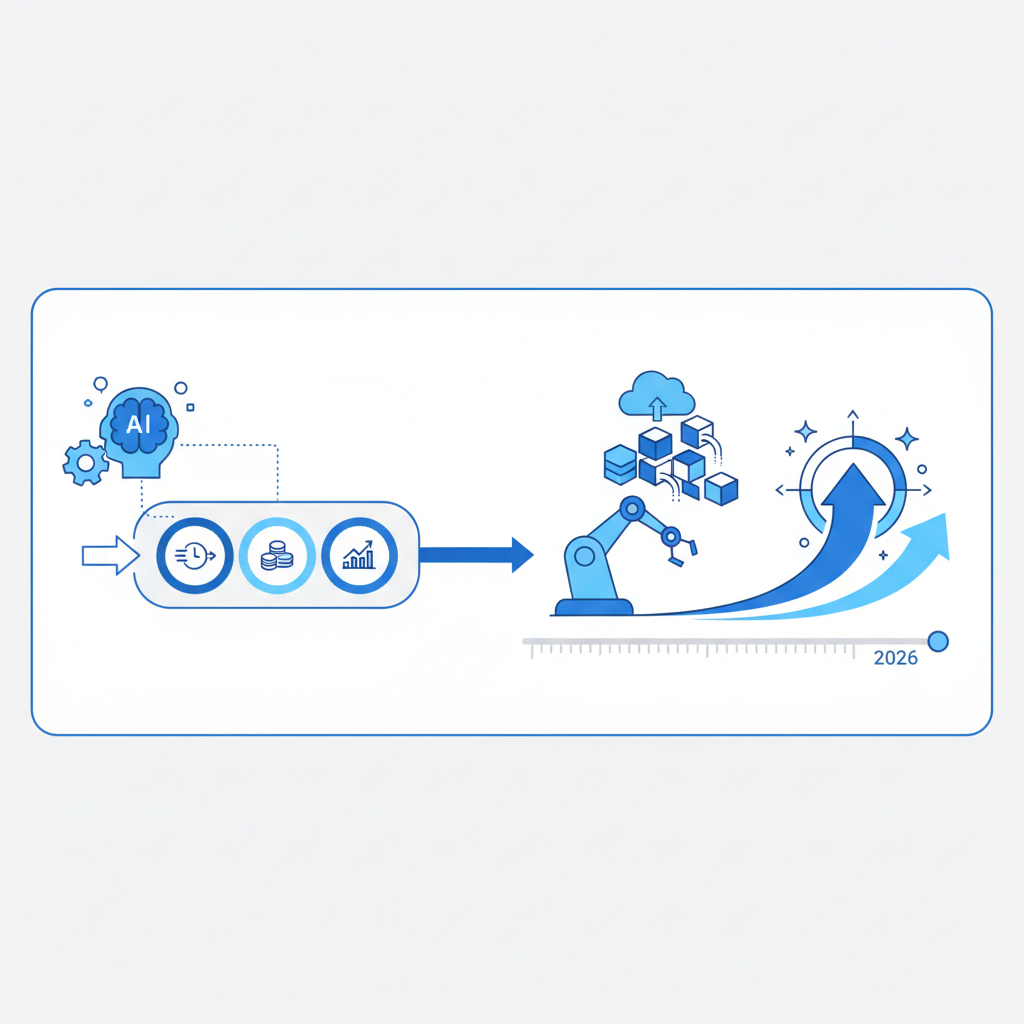
AI has crossed a threshold in 2026. It’s no longer experimental or expensive. Tools that cost thousands per month in 2024 now cost under $50. Open-source models are free. Integration is simpler. And most importantly, the quality is good enough for real business use.
The three reasons automation works now: First, AI models are accurate enough for customer-facing tasks like support and content. Second, integration tools like Zapier, Make, and native APIs let you connect everything without coding. Third, you don’t need to choose between AI quality and affordability—both exist in 2026.
Honestly, here’s my take: The businesses that will thrive in 2026 aren’t the ones with the biggest teams. They’re the ones using AI to do more with less. A solo founder using automation can now compete with a 5-person team from 2024. That’s the real advantage.
You might also like
Step-by-Step Automation Setup
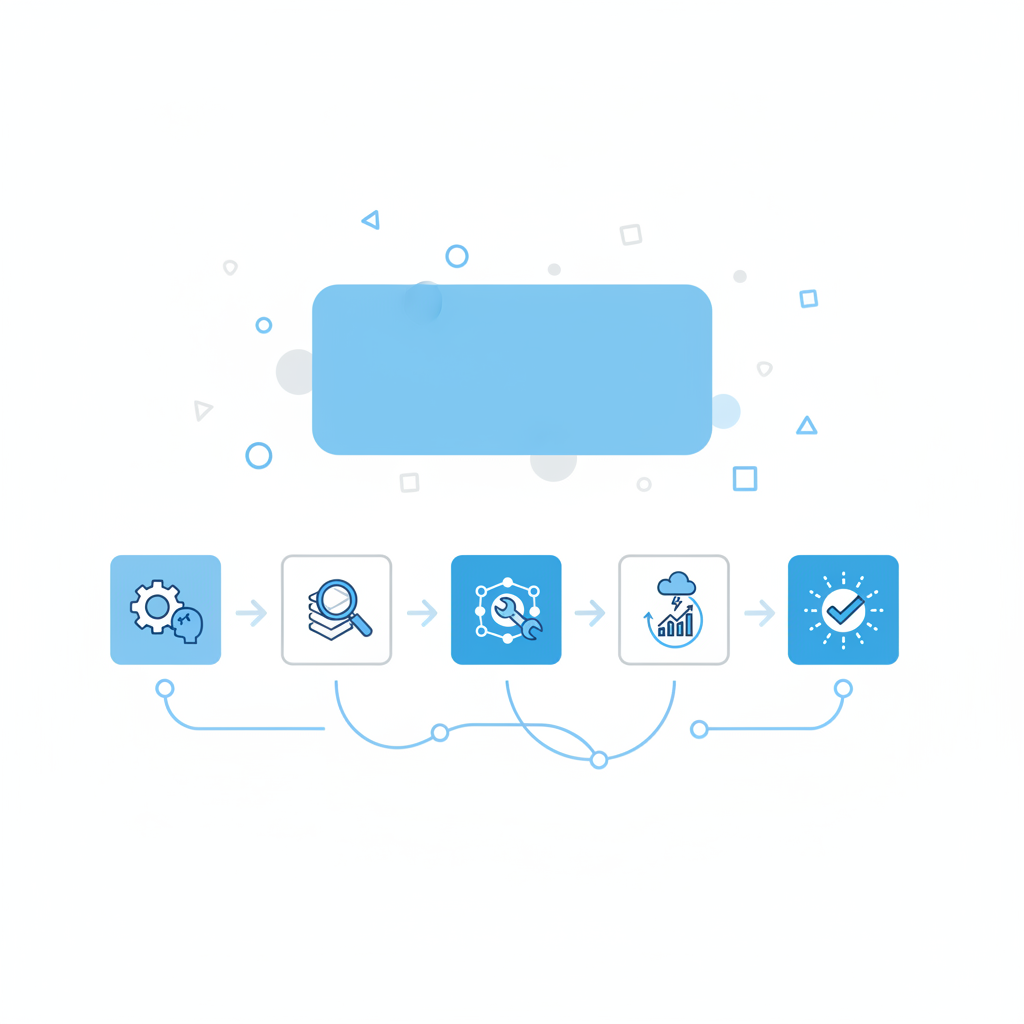
Here’s the practical process I recommend: Start by identifying your time-killers. These are tasks that eat 30+ minutes daily and don’t require creativity. For most businesses, that’s email responses, social media scheduling, invoice generation, data entry, and customer follow-ups.
Step 1: Audit Your Tasks — Spend one week tracking what takes time. Use a simple spreadsheet: Task name, frequency per week, time spent, complexity level (high/medium/low). Flag anything low-complexity and repetitive. That’s your automation target.
Step 2: Choose Automation Category — AI automation falls into four buckets: (1) Customer-facing (chatbots, email replies), (2) Content production (writing, design, video), (3) Data & reporting (analysis, leads scoring, invoicing), (4) Workflow optimization (scheduling, task assignment, notifications). Most businesses use 2-3 categories.
Step 3: Select Your Core Tools — You need three layers: (1) An AI backbone like ChatGPT Plus, Claude, or Gemini for intelligence, (2) An automation platform like Zapier or Make to connect tools, (3) Specific tools for your industry (e.g., Mailchimp for email, Buffer for social, HubSpot for CRM).
Step 4: Build Your First Automation — Don’t automate everything at once. Start with one task. Example: “Whenever I receive a customer email with certain keywords, auto-reply with initial help and log it in a spreadsheet.” That’s one workflow. Test it for one week before expanding.
Step 5: Test and Refine — Run automation in parallel with manual work for 1-2 weeks. Compare outputs. Adjust prompts and settings. Once you hit 85%+ accuracy, go full automation. Keep a human review step for critical tasks like customer refunds.
Step 6: Document and Scale — Write down every automation in a simple sheet: Tool used, trigger, action, who monitors it. This makes onboarding easier and prevents chaos if a tool changes. Then automate your next top 2-3 tasks using the same process.
Tools & Setup Strategy
You don’t need 20 tools. I tested this myself over the past 8 months, and here’s what actually works for small businesses in 2026:
Core Stack (Minimal, $100-200/month):
ChatGPT Plus ($20/month) or Claude Pro ($20/month) — Your AI backbone. Use for writing, customer responses, analysis, brainstorming. Pick one and stick with it.
Zapier Free or Make Free ($0-19/month) — Connects all your tools. Automation platform that lets ChatGPT talk to your email, CRM, spreadsheets, and more without coding.
Google Sheets ($0) — Your data hub. Use it with Zapier to log leads, create reports, manage inventory. Cheaper and easier than databases for small teams.
Mailchimp Free ($0-50/month) — Email marketing and automation. Sends triggered emails based on customer behavior. Essential if you do email marketing.
Buffer or Later ($15-30/month) — Social media scheduling and basic analytics. Lets AI content go straight to scheduling instead of manual posting.
Optional Add-Ons (By Use Case): HubSpot ($0-50/month) for CRM and customer pipelines, Stripe automation for payments and invoicing, Slack integration for team alerts, Calendly ($0) for automated scheduling.
The strategy: Start with just ChatGPT Plus and Google Sheets for two weeks. Get comfortable. Then add Zapier. Then add email/social tools based on your actual needs. Don’t buy tools hoping to use them later.
You might also like
Real Business Examples
Example 1: Freelance Service Provider (Consultant, Coach, Copywriter)
Workflow: Client emails inquiry. Zapier sends email to ChatGPT with prompt “Reply professionally to this inquiry about [service], ask three qualifying questions, and mention availability in the next paragraph.” ChatGPT drafts reply. Email goes to inbox flagged as “AI Draft—Review.” Consultant approves in 30 seconds instead of writing 5 minutes. Reply sends automatically.
Result: 15 hours saved per month on admin emails. Keeps all replies consistent and professional. Client still gets personal touch because consultant reviews each one.
Example 2: E-Commerce Store Owner
Workflow: New order comes in. Automation logs order details in Google Sheets, generates shipping label with product info, sends customer a personalized follow-up email (“Thanks for ordering [product]. Here’s your tracking number and tips for best results”), and tags customer in CRM for upsell sequences.
Result: 8 hours saved per week on order admin. Zero human touchpoints in this flow except quality control. Customers get faster responses. Upsell automation increases average order value by 12-18%.
Example 3: Small Marketing Agency (3 People)
Workflow: Social media schedule created manually, but content is written by AI. Team member briefs ChatGPT: “Write 5 LinkedIn posts for a SaaS founder about productivity. Make them practical, under 280 words each, include 1 relevant emoji, and reference the attached blog post.” ChatGPT outputs 5 posts in 2 minutes. Buffer schedules them automatically. Team member just reviews and hits schedule.
Result: 10 hours saved per week on content writing. Quality is 85% there (still needs human review for brand voice). Team now focuses on strategy and client relationships instead of post writing. Content consistency improves.
FAQ
Q: Will AI automation make my business less personal?
A: Only if you let it. The key is automating data entry, scheduling, and routine responses—not all customer interaction. You still review important emails, make client calls, and handle relationships. Automation just frees time for that. Best practice: Keep a human review step for anything customer-facing.
Q: What if I don’t know how to code?
A: You don’t need to. Zapier, Make, and native integrations use no-code interfaces. You point, click, set conditions, and the system runs. I tested this myself with no coding background, and it works fine. YouTube tutorials for any popular tool are abundant.
Q: Is it cheaper than hiring?
A: Yes, dramatically. An AI stack costs $100-300/month. A part-time admin is $2,000+/month. An AI tool automates 70% of what a part-timer does at 1/10th the cost. The remaining 30% (judgment calls, relationship building) stays with you.
Q: What happens if the automation breaks?
A: Build in safeguards. Set a human review step for critical tasks. Set up Slack alerts when automation runs. Check results weekly, not monthly. Most issues are small (wrong email template, wrong data field) and catch quickly.
Q: Can I automate customer service completely?
A: Partially. AI chatbots handle 60-70% of support tickets. FAQs, troubleshooting, order status, billing questions—all automatable. Complex issues need humans. Best setup: Chatbot handles tier 1, escalates to human for tier 2. Reduces support load by 40-50%.
Q: How long does setup take?
A: First automation: 2-4 hours including tool signup and testing. Subsequent ones: 30-60 minutes each. By month 2, you’re setting up new automations in under 20 minutes.
Final Strategy
Here’s the actionable framework for 2026: Automate your business in waves, not all at once. Month 1, automate email and social scheduling (15 hours saved). Month 2, add customer response automation (10 hours saved). Month 3, automate reporting and invoicing (8 hours saved). By month 4, you’ve reclaimed 30+ hours per week without laying off anyone.
The biggest mistake I see: People buy 10 tools and try to automate everything simultaneously. They get overwhelmed, quit, and say “AI automation doesn’t work.” It works. You just need patience and structure.
Start here: Pick one repetitive task. Set up one automation. Run it parallel with manual work for 2 weeks. Get it to 85% accuracy. Then scale. That’s it. That’s the real strategy.
The businesses winning in 2026 aren’t the ones with fancy AI. They’re the ones systematically removing the friction from their operations. Let me show you how to run a business alone using AI by implementing these exact strategies at scale.
You might also like
As an Amazon Associate, I earn from qualifying purchases.
🛒 Also checked out while writing this
Tools and resources for business automation, workflow management, and AI integration to streamline operations.
- Automate low-complexity, repetitive tasks first (email, scheduling, data entry)—these free the most time
- Start with ChatGPT Plus, Google Sheets, and Zapier ($50/month)—you don’t need expensive enterprise software
- Build automations one at a time, test for 2 weeks, then scale—rushing causes failures
- Keep human review for customer-facing work—automation is 85% perfect, humans add the remaining 15%
- Expect to save 20-30 hours per week by month 3 if you follow this structure methodically
The next step: Pick your highest time-consuming task right now, and automate it this week. Don’t wait for the perfect setup. Imperfect automation today beats perfect planning tomorrow.