AI Business Automation for Beginners: 7 Easy Steps to Save 20+ Hours Weekly
AI business automation is transforming how solopreneurs and small teams work in 2026. Instead of manually handling repetitive tasks, you can use AI tools to handle emails, customer service, content creation, and data management automatically. This guide walks you through 7 actionable steps to automate your business—no coding required. By the end, you’ll understand which tasks to automate first, which tools work best, and how to implement them in your workflow. Most beginners save 20-30 hours per week after implementing just 3-4 automation systems, freeing up time to focus on revenue-generating activities instead of busywork.
- Quick Overview
- Why AI Automation Works in 2026
- Step-by-Step Setup Guide
- Essential Tools & Setup
- Real-World Examples
- FAQ
- Final Automation Strategy
Quick Overview
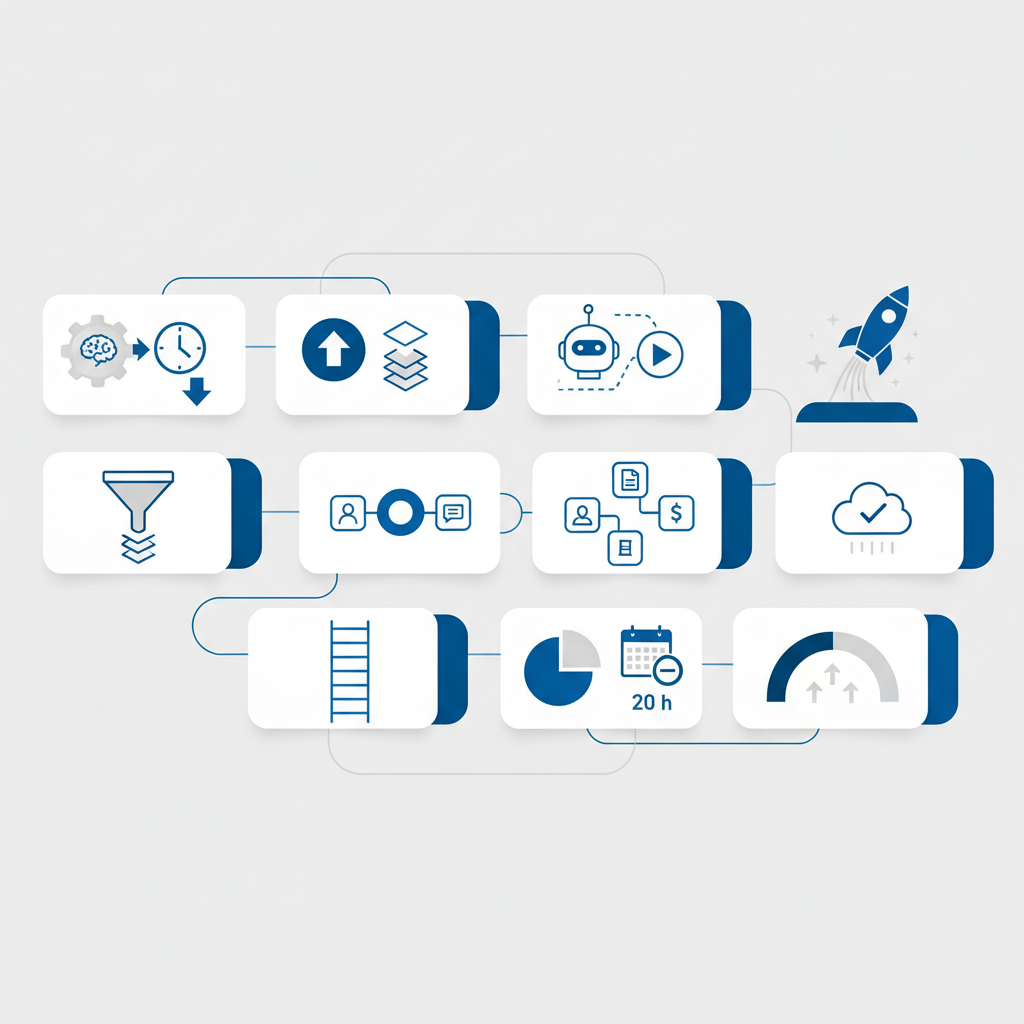
AI business automation means using artificial intelligence tools to handle routine tasks without human intervention. Think of it as hiring a digital assistant that works 24/7, never gets tired, and costs a fraction of a full-time employee.
The difference between 2025 and 2026? AI tools are now simple enough for beginners. You don’t need a technical background. Most automation happens through simple workflows: IF this happens, THEN do that. For example, IF a customer emails you, THEN automatically send them your FAQ document and log their request in your CRM.
Here’s what’s possible right now: automating customer emails, scheduling social posts, generating content outlines, organizing data, sending follow-up messages, processing invoices, and creating reports—all without touching a keyboard after initial setup.
You might also like
Why AI Automation Works in 2026
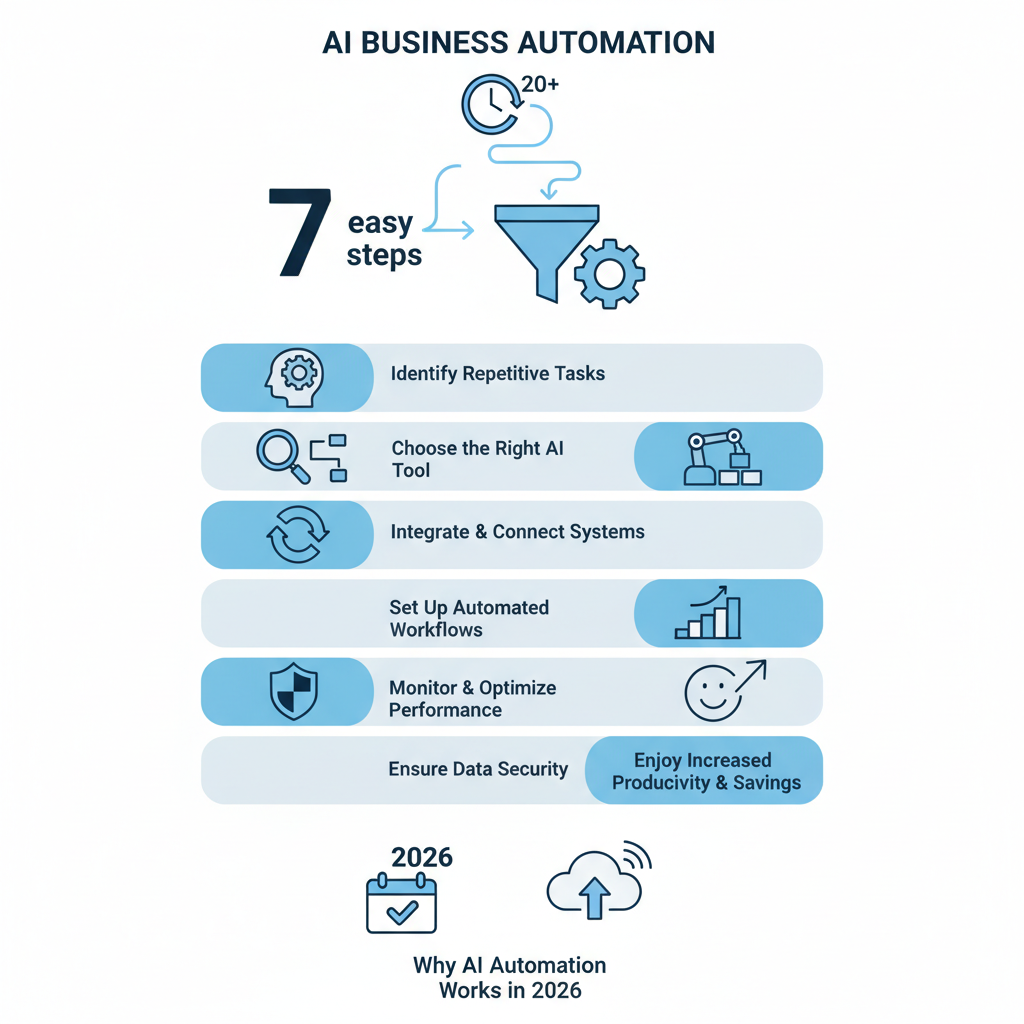
Honestly, here’s my take: automation isn’t about replacing humans—it’s about eliminating waste. A typical solopreneur spends 40-50% of their week on tasks that don’t generate revenue. That’s email management, scheduling, data entry, customer follow-ups, and admin work.
In 2026, AI solved the biggest barrier: integration. Tools now talk to each other seamlessly. Your email platform connects to your CRM, which connects to your payment processor, which feeds into your analytics dashboard. Set it once, and it runs forever.
The financial case is straightforward. If you’re saving 20 hours weekly and your time is worth $50/hour (conservative estimate), that’s $1,000/week or $52,000/year in recovered time. Most automation setups cost $20-100/month. The ROI is immediate.
But there’s a bigger advantage: consistency. A human forgets to follow up. An automated system never does. Your customers get faster responses. Your data stays organized. Your revenue becomes more predictable because nothing falls through the cracks.
Step-by-Step Setup Guide
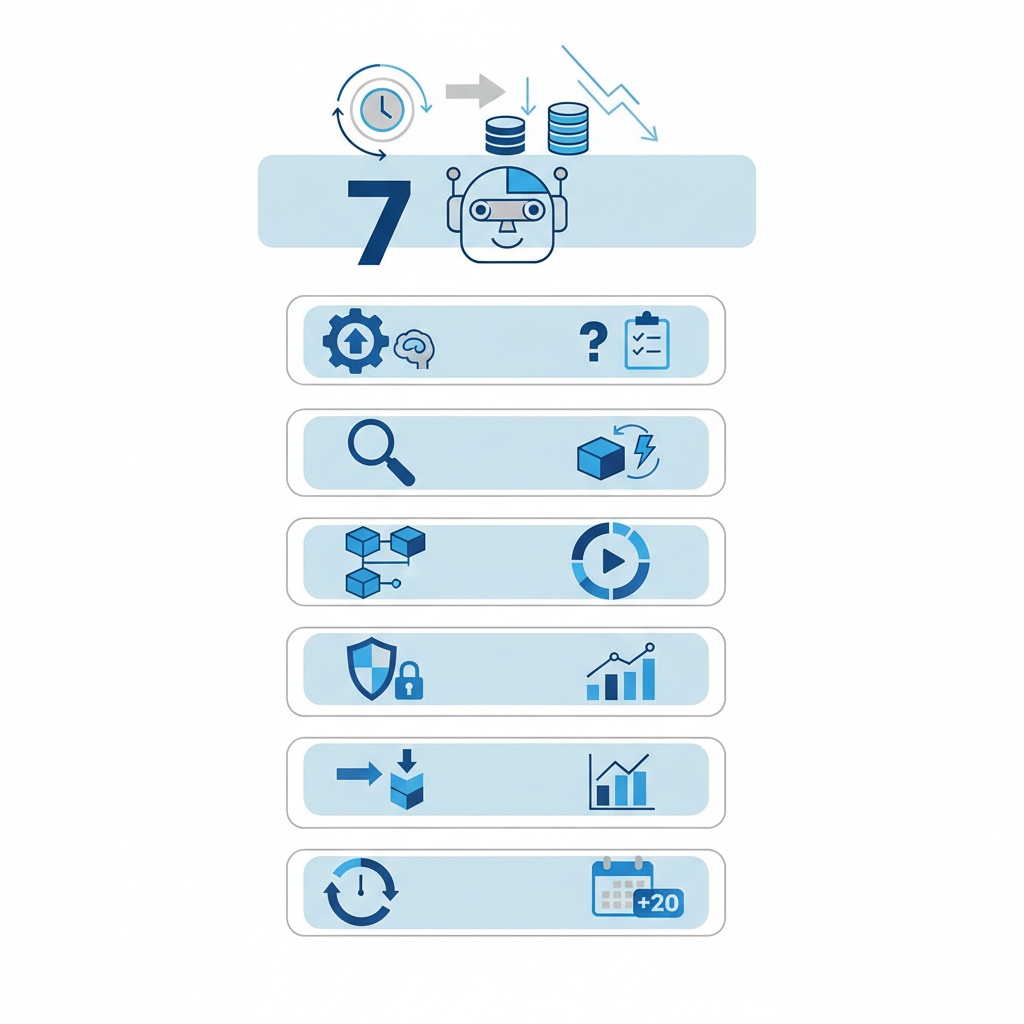
Let me break it down simply into 7 manageable steps. You don’t implement all at once—pick 2-3 to start, test for a week, then add more.
Step 1: Audit Your Tasks (30 minutes)
Write down everything you do in a typical week. Every email you send, every message you write, every form you fill out. Include things you do repeatedly: password resets, sending PDFs, answering the same customer questions, posting to social media, tracking expenses.
Rate each task: How long does it take? How often do you do it? Is it essential, or just habit? Mark the top 10 tasks that waste the most time.
Step 2: Identify Automation Candidates (15 minutes)
Not every task should be automated. Look for tasks that meet these criteria: Repetitive (happens more than 3x/week), Rule-based (follows a clear IF-THEN pattern), and Low-decision (doesn’t require human judgment).
Good candidates: Customer welcome emails, invoice processing, social post scheduling, lead qualification, data entry, appointment reminders. Bad candidates: Strategic decisions, creative work requiring your personal touch, one-off tasks.
Step 3: Choose Your Automation Platform (Choose 1)
This is your backbone. The platform connects all your tools. Best options for beginners: Zapier (1,000+ integrations, easiest), Make.com (more powerful, slightly steeper learning curve), or built-in automation in your existing tools (HubSpot, Airtable, Pipefy).
Start with Zapier. Create a free account. It’s visual, forgiving, and has templates for common workflows. You literally drag and drop.
Step 4: Build Your First Workflow (1 hour)
Start small. Your first automation should be simple and obviously valuable. Here’s a proven first workflow: Email trigger → AI response → CRM update. When a customer emails you, Zapier triggers ChatGPT to draft a response, saves it to your CRM, and sends a notification to you.
Don’t overthink this. The goal is to complete one workflow end-to-end and feel the momentum. Success breeds more automation.
Step 5: Test and Adjust (2-3 days)
Run your automation against real data. Send yourself test emails. Check that outputs look right. Are responses helpful? Are they going to the right place? Is the timing correct?
Expect bugs. That’s normal. Adjust the workflow: maybe the response needs different instructions, or maybe data isn’t flowing to the right field. Each fix makes the system better.
Step 6: Scale to 3-5 Workflows (Ongoing)
Once your first automation runs smoothly for a week, add another. Good second workflows: Social media scheduling, invoice reminders, lead nurture sequences, data backups, weekly reports.
Each new workflow saves another 3-5 hours per week. After 4-5 automations, you’ll have recovered 20+ hours weekly—enough to start new projects or grow revenue.
Step 7: Monitor and Optimize (15 min/week)
Automation isn’t set-and-forget. Spend 15 minutes weekly checking that systems are running smoothly. Review error logs. Check that customer responses are still appropriate. Adjust triggers or messages as your business evolves.
You might also like
Essential Tools & Setup
You don’t need every tool. Start with a core stack: an automation platform, an AI text generator, a CRM, and a scheduling tool. Here’s the practical breakdown for beginners.
| Category | Best for Beginners | Cost | Why It Matters |
|---|---|---|---|
| Automation Platform | Zapier | Free–$99/mo | Connects all tools; visual workflow builder |
| AI Text Generator | ChatGPT (Plus) or Claude | $20/mo or free | Writes emails, responds to customers, generates content |
| CRM | HubSpot Free or Airtable | Free–$50/mo | Stores customer data; automations update it automatically |
| Email Marketing | ConvertKit or Brevo | Free–$29/mo | Sends automated follow-ups; tracks opens/clicks |
| Social Scheduling | Buffer or Later | Free–$35/mo | Posts scheduled content automatically; saves 5+ hours/week |
The magic happens when these connect. A customer signs up → email platform triggers → CRM records them → automation sends personalized welcome email with AI → they see your scheduled social post same day.
Pro tip: Don’t pay for everything at once. Use free tiers for the first month. Upgrade only after you’ve proven the automation saves time and money.
You might also like
Real-World Examples
Example 1: The Customer Service Automation
A freelance consultant was spending 3 hours daily answering client emails. Her 5 most common questions took 80% of that time. Here’s what she automated: Customer email arrives → Zapier checks content → If it matches FAQ keywords → ChatGPT generates personalized response → Email sent immediately with “Human will review” note → Ticket logged in CRM.
Result: 90% of emails answered in 2 minutes. She reviews them weekly. Time saved: 12 hours/week. Cost: $29/month (Zapier) + $20 (ChatGPT). Payback: 1 week.
Example 2: The Content Creator Workflow
A YouTube creator was manually scheduling posts, writing descriptions, tagging videos, and uploading to 4 platforms. Now: She uploads to one platform → Zapier triggers → AI generates optimized descriptions for each platform → Posts distribute automatically → Analytics feed into a dashboard she checks once weekly.
Result: 8 hours/week saved. Each post reaches more people because descriptions are optimized. Cost: $35/month. Payback: Immediate (first viral video pays for 6 months).
Example 3: The Lead Nurture Automation
A coach was losing leads because follow-ups were inconsistent. Now: Lead fills form → Immediately added to CRM → Day 1: Automated welcome with personalized AI message → Day 3: Value email → Day 5: Case study → Day 7: Testimonial → Day 10: Sales pitch. If lead engages, faster nurture sequence. If silent, moves to inactive list.
Result: 40% of leads now respond to first message. Conversion rate up 25%. Time spent on follow-ups: 0 (it’s automated). Cost: $50/month. Additional revenue: $3,000-5,000/month from recovered leads.
FAQ
Q: Do I need technical skills to automate my business?
A: No. Modern tools are designed for non-technical people. Zapier, Make, and HubSpot have visual builders where you drag and drop actions. If you can use Gmail and Google Sheets, you can automate workflows in 30 minutes.
Q: What’s the best automation to start with?
A: Email-based automations are easiest and save the most time immediately. Either customer responses or lead follow-ups. Both are high-impact and require minimal setup.
Q: How much will this cost?
A: Realistically, $50-150/month once you’ve scaled to 4-5 automations. You can start free: free Zapier tier, free ChatGPT alternative, free CRM. Add paid tools only after proving ROI.
Q: What if automation goes wrong?
A: Add safeguards. Email important actions to yourself first for review. Test on dummy data before going live. Use Zapier’s error logs to spot problems. Start with low-risk automations (scheduling, not payments).
Q: Can I use AI to handle customer interactions?
A: Yes, but with guardrails. AI is excellent for first-level responses, FAQ answers, and initial qualification. For complex issues, route to you. Always let customers know they can reach a human.
Q: How long until I see results?
A: Your first automation should save 2-3 hours immediately. By week 4 with 4-5 automations running, you should see 20+ hours recovered. Revenue impact follows as you use that time for sales, product development, or marketing.
Final Automation Strategy
AI business automation in 2026 isn’t optional—it’s competitive advantage. Here’s what separates winners from everyone else: They automate mundane work and reinvest recovered time into high-leverage activities.
Your 90-day automation roadmap: Month 1—Set up one email automation + one scheduling automation (save 10 hours). Month 2—Add CRM workflow + lead nurture sequence (save 20 hours total). Month 3—Optimize, scale, and add 1-2 more automations based on your bottleneck (save 25+ hours).
The businesses winning right now aren’t the ones with the most team members. They’re the ones with the smartest automation. A solo founder with 5 automated systems can outproduce a team of 3 without automation.
Start today. Pick one task that wastes the most time. That’s your first automation target. You’ll have it running in 60 minutes. After 30 days of watching that automation work, you’ll wonder why you didn’t do this sooner.
- AI automation saves 20-30 hours weekly by handling repetitive, rule-based tasks automatically
- Start with email responses or lead follow-ups—these are easiest and have the highest impact
- Zapier + ChatGPT + a CRM is the core stack for beginners; costs $50-100/month
- Test on dummy data first; add safeguards so important actions need human review
- Recovered time should be reinvested in revenue-generating activities, not more busywork
Ready to automate? Sign up for Zapier’s free tier and build your first workflow today—it takes 45 minutes and changes everything.
As an Amazon Associate, I earn from qualifying purchases.
🛒 Also checked out while writing this
Productivity tools and smart home devices that integrate with automation platforms to extend your AI workflows beyond software.