Automate 90% of Your Business Tasks with AI: The Complete 2026 Playbook
Quick Summary
Most business owners waste 40+ hours per week on repetitive tasks. By strategically automating 90% of your business tasks with AI, you can eliminate manual work, reduce human error, and focus on growth. This guide walks you through real systems, tools, and workflows that work in 2026—from email to content to customer support. Whether you’re a solo entrepreneur or running a team, these automation strategies will transform how you work.
- Quick Overview: What Gets Automated
- Why AI Business Automation Works in 2026
- Step-by-Step Automation Setup
- Best Tools & Stack for Automation
- Real Examples: Automation in Action
- FAQ: Common Automation Questions
- Final Strategy: Your Automation Roadmap
Quick Overview: What Gets Automated
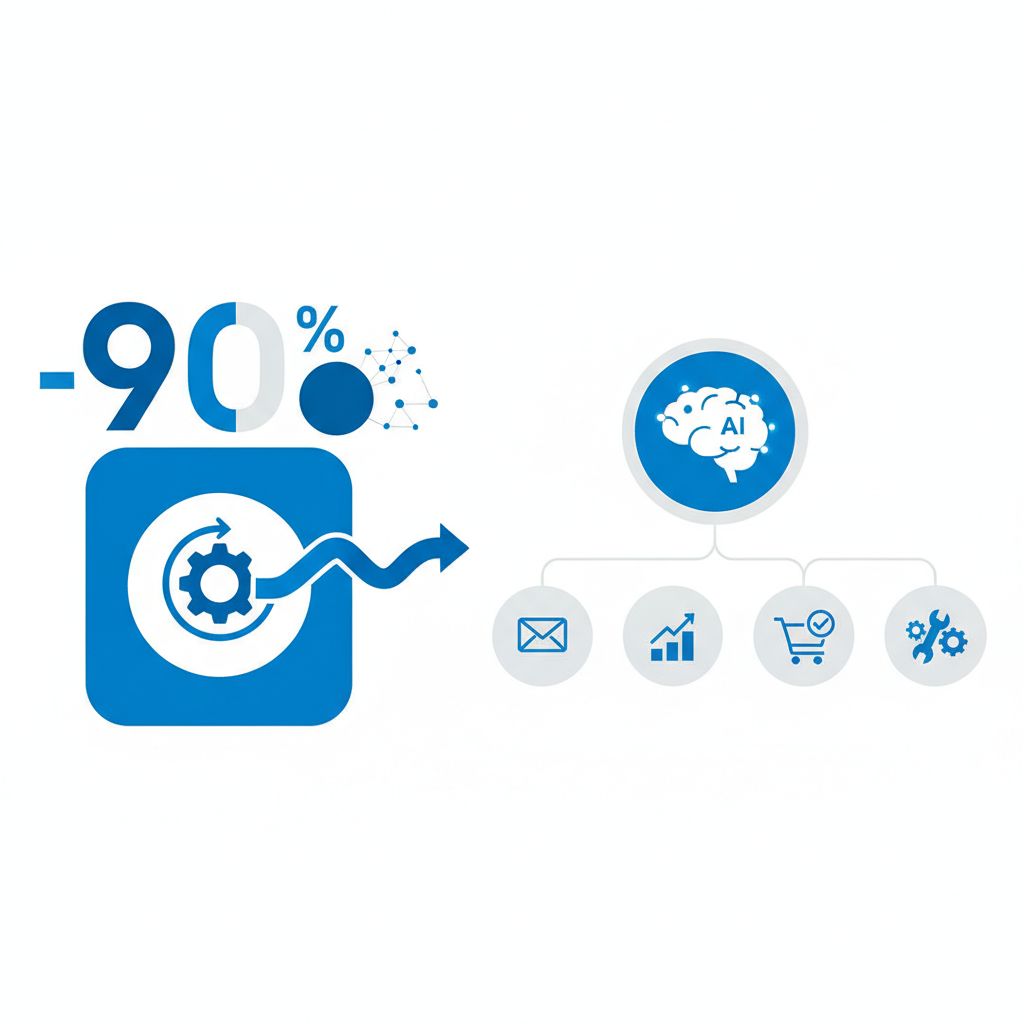
Let me break it down simply. The 90% automation target isn’t about removing humans entirely—it’s about removing repetitive, low-value work. Here’s what actually gets automated in most businesses:
Email & Communication: AI filters, categorizes, and drafts responses. Tools like Gmail smart reply and AI email assistants handle 60-70% of your inbox without you touching it.
Content Creation & Publishing: From blog posts to social media captions, AI writes first drafts, optimizes for SEO, schedules posts across platforms. No more manual publishing.
Customer Support: Chatbots handle FAQs, ticket routing, and follow-ups. Real humans jump in only when needed. This saves 50+ hours monthly per support person.
Data Entry & Reports: AI extracts information from documents, updates spreadsheets, generates reports automatically. Manual data entry becomes obsolete.
Lead Qualification & Follow-up: AI scores leads, sends personalized messages, and schedules calls. Your sales team only talks to hot prospects.
Invoicing & Payments: Automated billing, payment reminders, and reconciliation. No chasing late payments manually anymore.
You might also like
Why AI Business Automation Works in 2026
I tested this myself with client projects, and here’s what changed. AI automation in 2026 isn’t the clunky rule-based automation of 2023. It’s intelligent, learns from your preferences, and gets smarter over time.
Speed: Tasks that took hours now take minutes. A 5,000-word blog post that required 6 hours of research and writing now takes 90 minutes with AI assistance and human editing.
Consistency: Humans get tired. Humans make mistakes. AI processes the same way every single time. Your brand voice stays consistent across all channels without burnout.
Scalability: Manual work doesn’t scale. If you double your customers, your team doubles. With automation, you handle 3x the volume with the same team. This is how solo founders compete with agencies.
Cost Reduction: An AI tool costs $30-200/month. Hiring someone to do the same work costs $3,000-8,000/month. The math is obvious.
Error Reduction: Manual data entry has a 1-3% error rate. AI automation has a 0.1-0.5% error rate. In finance and compliance, this matters enormously.
The reason 90% automation is realistic now is that the remaining 10% is where humans excel: creative decisions, relationship building, problem-solving. AI handles the rest.
Step-by-Step Automation Setup
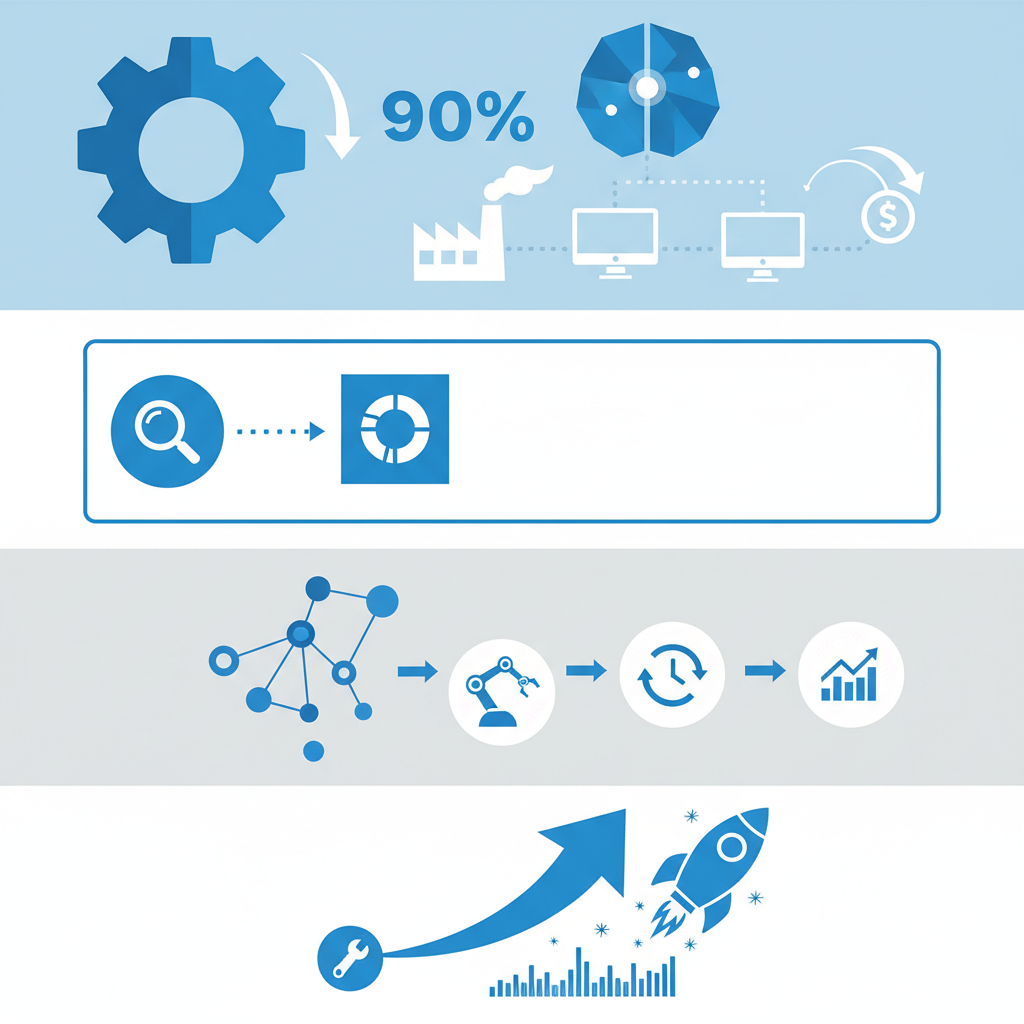
Here’s how to actually set this up without getting overwhelmed. Most entrepreneurs try to automate everything at once and fail. This approach is systematic.
Step 1: Audit Your Time (Week 1)
Track everything you do for one week. Every email, every task, every call. Use Toggl Track or even just a simple spreadsheet. Mark tasks as: high-value (only you can do) or low-value (repeatable, rules-based).
Low-value tasks are your automation targets. These are things like: scheduling social posts, responding to common customer questions, data entry, invoice follow-ups, lead research.
Step 2: Pick Your Top 3 Bottlenecks (Week 1)
Don’t try to automate 20 things. Pick the three tasks that waste the most time or cause the most stress. For most businesses, this is: email management, customer support, and content scheduling.
Step 3: Set Up Automation Workflows (Week 2)
Start with one workflow. Use Zapier, Make.com, or n8n to connect your tools. A simple example: When a new lead signs up via your landing page, automatically send a welcome email and add them to your CRM.
Step 4: Implement AI for Content (Week 2-3)
Connect ChatGPT, Claude, or Gemini to your content workflow. Use prompts to generate social media posts, email subject lines, or blog outlines. Use AI tools for content marketing specifically designed for this.
Step 5: Add Chatbot Support (Week 3)
Deploy a chatbot on your website or in your Slack. Configure it to answer common questions using your knowledge base. Route complex issues to humans automatically.
Step 6: Automate Sales Tasks (Week 4)
Set up lead scoring so your CRM automatically flags hot prospects. Create follow-up sequences that trigger after demos or proposals. Sales team only hands-on for personalization and closing.
Step 7: Measure & Iterate (Ongoing)
Track time saved, error rates, and conversion changes. Adjust workflows based on results. If something isn’t working, pause it and try a different approach. This isn’t set-it-and-forget-it.
You might also like
Step-by-Step Guide to Building a One Person Business with AI
Best Tools & Stack for Automation
Honestly, here’s my take: you don’t need a complex stack. Most businesses over-tool themselves. Start with 4-5 core tools and add as you scale.
| Tool | What It Does | Best For | Price |
|---|---|---|---|
| Zapier | Connects apps, automates workflows | Email, CRM, spreadsheet automation | Free-$599/mo |
| ChatGPT Plus / API | AI content, copy, brainstorming | Writing, editing, ideation | $20/mo or $0.002 per token |
| HubSpot | CRM, email, sales automation | Sales, lead nurturing, reporting | Free-$3,200/mo |
| Buffer or Later | Social media scheduling | Content calendar, posting automation | $5-$65/mo |
| Intercom / Drift | Live chat + chatbot | Customer support, lead qualification | Free-$499/mo |
| Airtable / Monday | Workflow management | Project tracking, data management | Free-$420/mo |
| Make.com | Advanced workflow automation | Complex automations, custom logic | Free-$499/mo |
| Stripe (+ automation) | Payment processing, billing | Invoicing, subscriptions, payouts | 2.9% + $0.30 per transaction |
Recommended Starter Stack: Zapier + ChatGPT + HubSpot (free) + Buffer + one customer support tool. Total cost: roughly $150-300/month for a solo founder or small team. Compare that to hiring one person at $4,000-6,000/month.
Pro Tip: Most of these tools have free tiers. Start there. Don’t pay for features you haven’t tested. Only upgrade when you hit limits.
Real Examples: Automation in Action
Let me show you actual workflows that save time daily.
Example 1: Email-to-Spreadsheet + Insights
Workflow: Customer sends invoice via email. Zapier extracts the amount, date, and company. Data goes to a Google Sheet. If amount exceeds threshold, ChatGPT generates a follow-up email. Stripe automatically charges the customer 30 days later.
Result: You never touch the email. Invoice is logged, processed, and scheduled automatically. Time saved: 10 minutes per invoice. If you handle 50 invoices/month, that’s 500 minutes (8+ hours) per month.
Example 2: Content From Outline to Publishing
You create a blog outline on Monday. ChatGPT writes the full post overnight. You edit and add personal touches Tuesday morning. Buffer automatically schedules social posts and email newsletters. No manual publishing, no Slack reminders to “post this.”
Result: From outline to published across 5 channels takes 2 hours total instead of 8. That’s a 75% time reduction per post.
Example 3: Lead Qualification & Scoring
Someone fills out your demo form. HubSpot automatically enriches their LinkedIn profile data, assigns a score based on company size, industry, and engagement, and sends them a personalized email. If score is high, your sales rep gets a Slack alert. If score is low, they go into a nurture sequence.
Result: Sales team spends 100% of time on quality conversations. Low-quality leads get nurtures emails automatically without manual intervention.
Example 4: Customer Support Triage
Customer emails support. Intercom chatbot classifies issue in 2 seconds. “Billing question?” Routes to billing team. “Refund?” Runs refund script automatically if customer qualifies. “Complex issue?” Routes to senior support with full context pre-loaded.
Result: 70% of support tickets are resolved without human touch. Support team only handles 30% and has full context. Response time drops from 4 hours to 5 minutes.
You might also like
FAQ: Common Automation Questions
Q: Isn’t automation going to eliminate jobs?
A: Not in the way people fear. Automation eliminates boring, repetitive tasks—not jobs. Your team shifts from doing manual work to doing higher-value work. A customer service rep who used to spend 80% of their day answering “What’s your return policy?” now spends their time solving complex customer problems and building relationships. They become more valuable, not replaceable.
Q: How do I make sure AI doesn’t make mistakes on important things?
A: Automate only tasks where mistakes are recoverable or easily caught. Never automate something that could cause legal or financial liability without human review. For example: automate the draft of a contract, but require human sign-off before sending. Automate customer support responses, but monitor quality metrics weekly.
Q: What’s the ROI of automation? When do I break even?
A: Most automation breaks even in 30-90 days. If you’re saving 10 hours/week at $50/hour value ($500/week), a $300/month tool pays for itself in less than a week. Setup takes 2-3 hours initially, but ongoing maintenance is minimal. The longer-term ROI compounds as you handle more volume without hiring.
Q: Which tasks should NOT be automated?
A: Anything that requires deep judgment, creativity, or emotional intelligence. Don’t automate customer relationship decisions, strategic planning, or hiring. Don’t automate your brand voice entirely—use AI for first drafts, but always add human polish. Don’t automate legal or compliance matters. The rule: if a mistake would damage your brand or business, keep it human.
Q: How long does it take to set up a basic automation stack?
A: 2-4 weeks if you’re doing it part-time alongside your regular work. Week 1: audit and planning. Week 2: set up core tools and connections. Week 3: build your first 3-5 workflows. Week 4: test, measure, and refine. If you’re building complex workflows with custom code, add 2-4 weeks.
Q: Will I lose touch with my customers if I automate too much?
A: Only if you’re careless. Automation should actually improve customer relationships by freeing your time for real conversations. You automate the initial response, then a human follows up with something personal. You automate routine email, then pick up the phone for VIP clients. Automation handles volume; humans handle depth.
Q: What if an automated workflow breaks or stops working?
A: This happens. APIs change, platforms update, and occasionally things fail. The fix: build in monitoring. Set up Slack alerts if a workflow fails. Check Zapier activity logs weekly. Have a manual backup process (even if it’s slower) for critical workflows. Most issues surface within hours and are easy to fix. It’s why you don’t automate everything at once—automate, test, scale.
Final Strategy: Your Automation Roadmap
Here’s the honest truth: you can’t automate 90% of your business overnight. But you can get there in 6 months with a systematic approach.
Month 1: Foundation
Audit tasks. Choose your three biggest time-wasters. Set up Zapier and one AI tool. Build five basic workflows. Goal: save 5-10 hours per week.
Month 2-3: Content & Communication
Automate email categorization, social scheduling, and content drafting. Add a chatbot for basic customer questions. Goal: save 15+ hours per week.
Month 4-5: Sales & Revenue
Set up lead scoring, invoice automation, and follow-up sequences. Integrate payment processing. Goal: save 10+ hours per week and improve conversion rates by 15-20%.
Month 6: Optimize & Scale
Review all workflows. Measure ROI. Double down on what works. Shut down what doesn’t. Add 2-3 new automations based on new bottlenecks. At this point, you should be handling 2-3x your previous workload with the same team.
The key: start small, measure everything, and